Designing Notification Settings. Giving users control over how and where they receive updates.


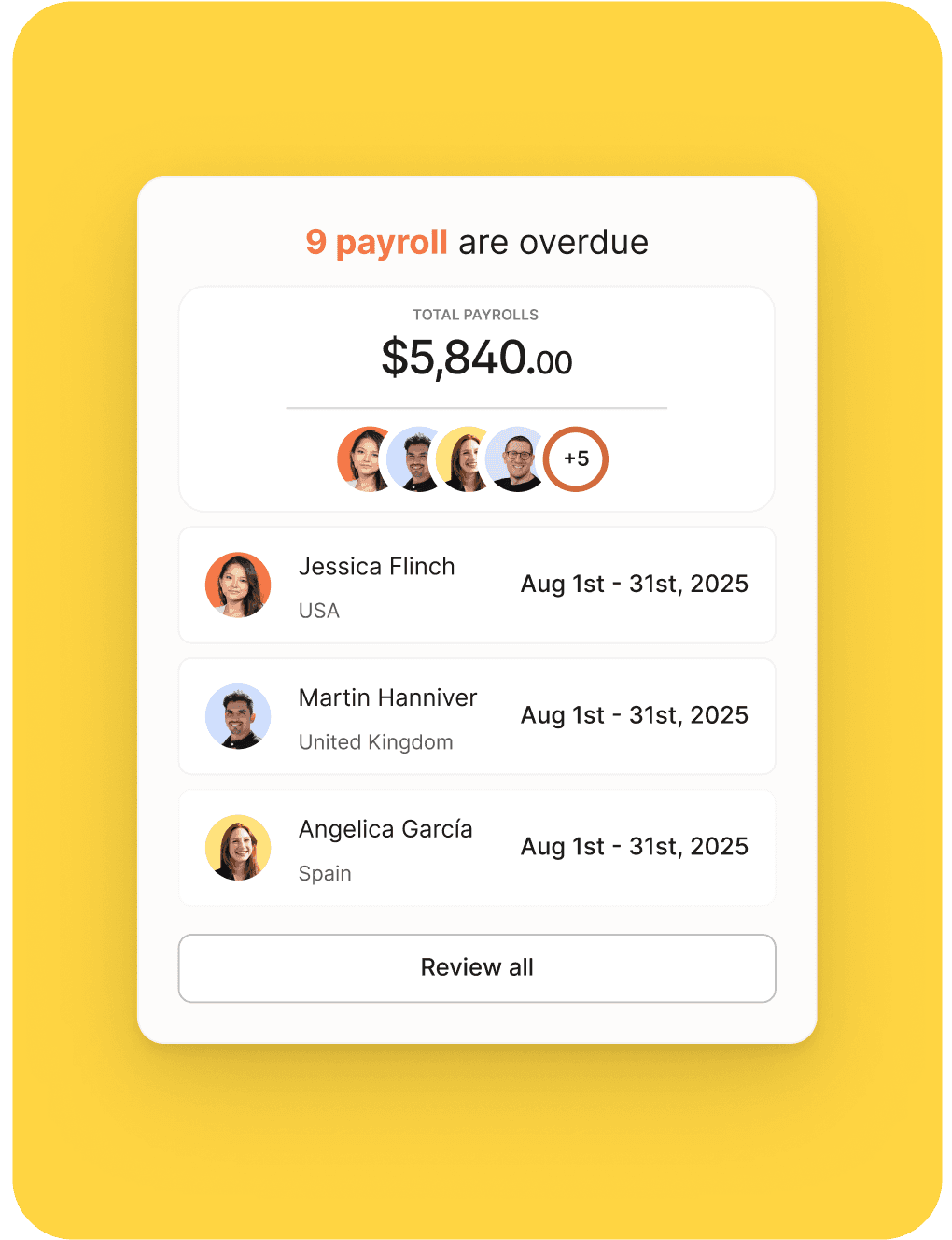
Problem
Solution
Metrics
-48% email volume
Team
Product, Growth, Customer support and Engineering
01. Shaping the experience
I collaborated with engineers, growth team, a product manager, and customer support to initially define the broader notification settings framework.
My role focused on leading the design approach, mapping user needs, defining notification categories, and shaping a system that felt intuitive while remaining scalable. A key constraint was balancing flexibility with simplicity. Users needed granular control, but the interface had to be fast to understand and easy to configure.
Insights from support highlighted recurring complaints around email overload and lack of clarity, which guided decisions around grouping, defaults, and the overall structure of the settings experience.
02. Opportunity
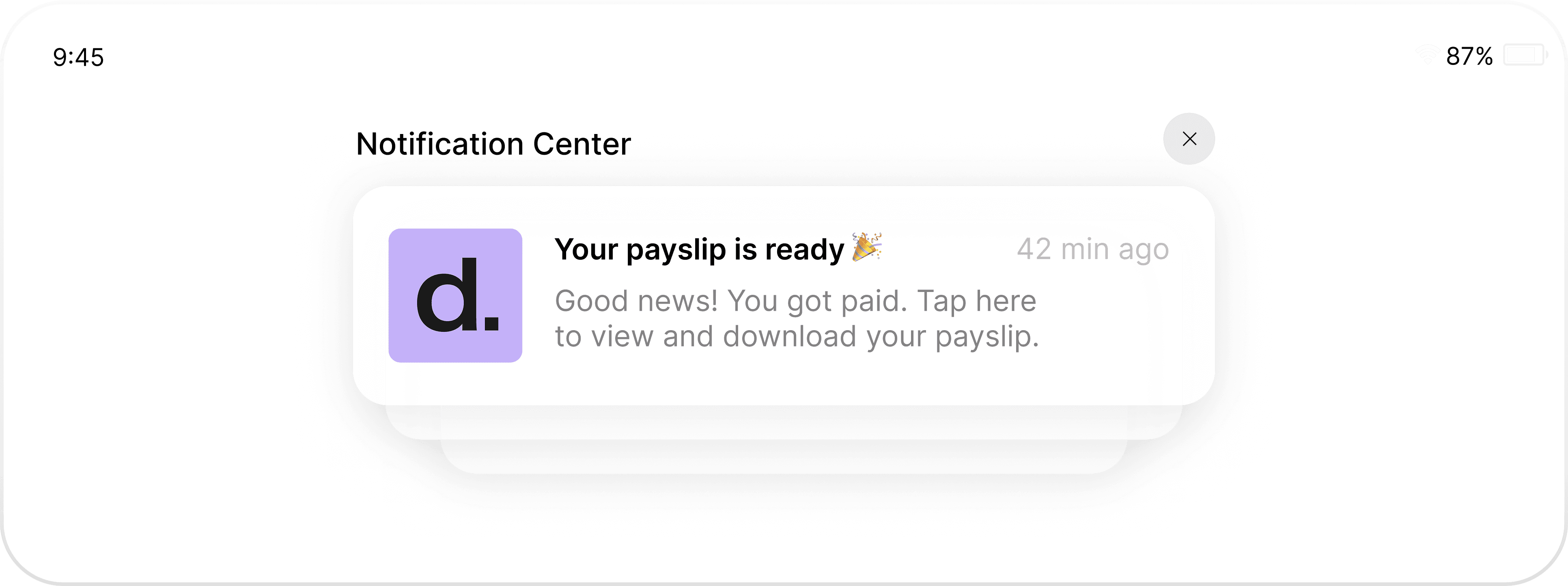
As Deel continued to scale, users increasingly expected control over how they were notified across different channels.
The opportunity was not just to reduce notification volume, but to create a single, consistent communication system that could adapt to different workflows. Research showed users wanted transparency around what they would receive, flexibility to match notifications to their needs, and confidence that their preferences would be respected.
This positioned notification settings as a trust and control problem rather than a simple configuration screen.
03. Design solutions
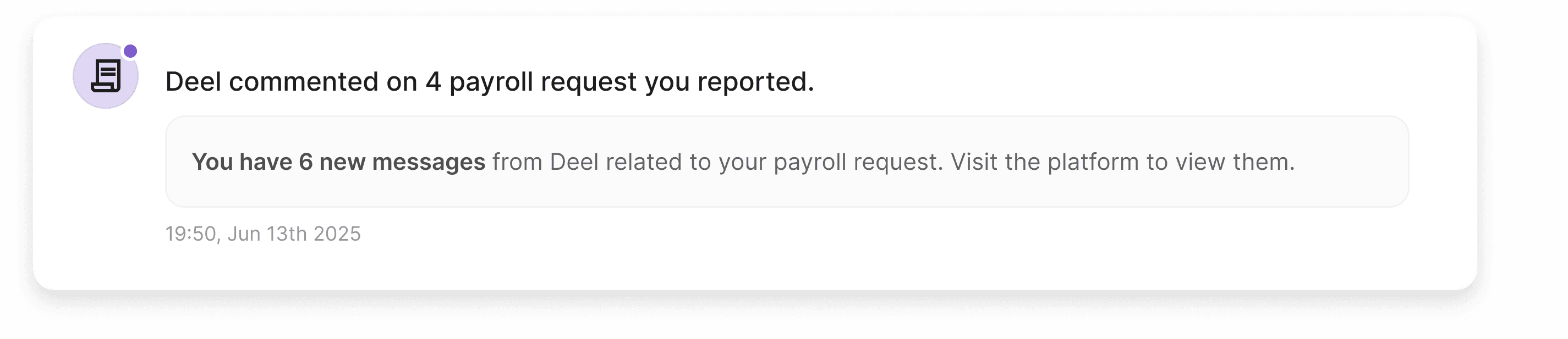
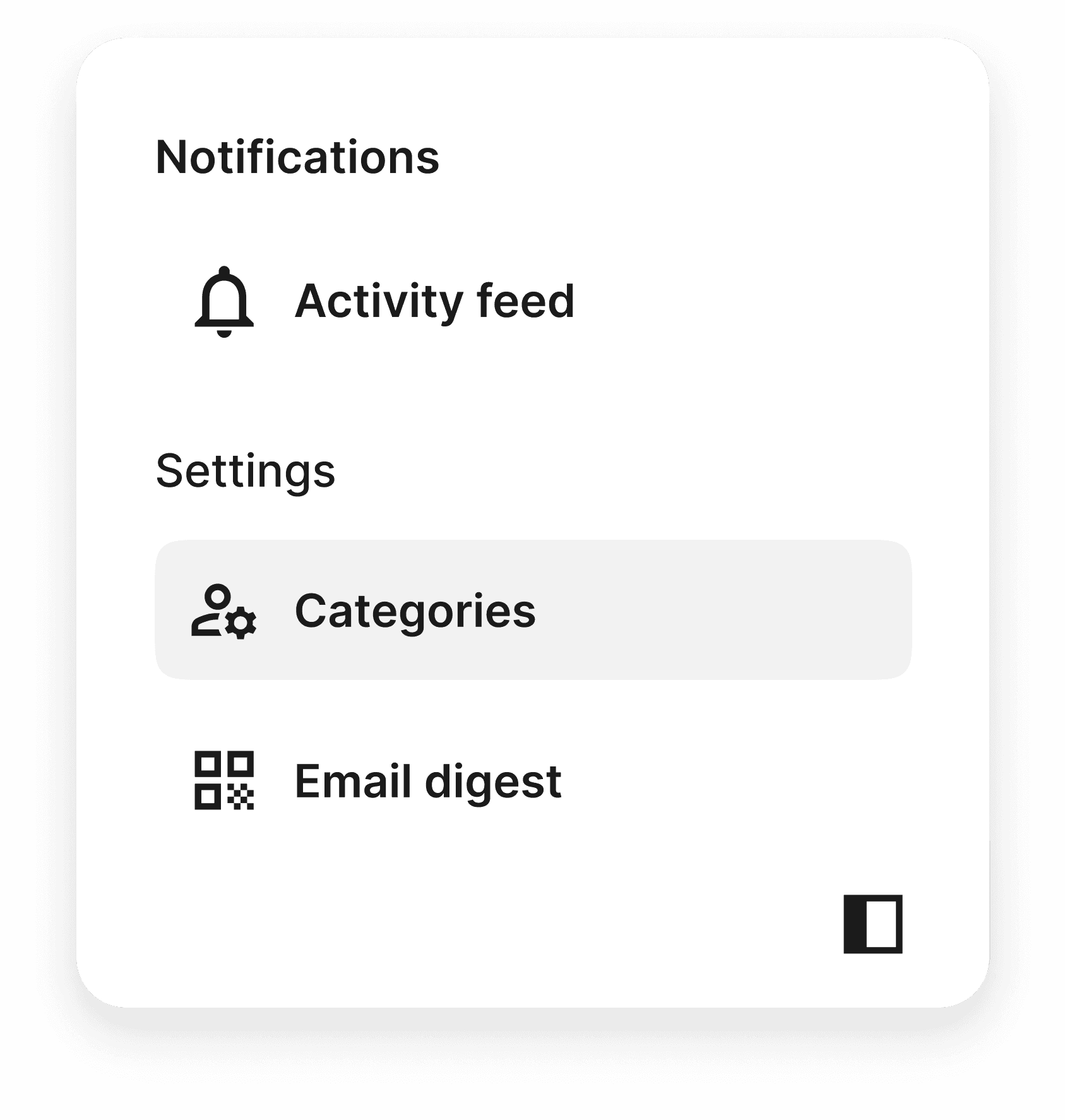
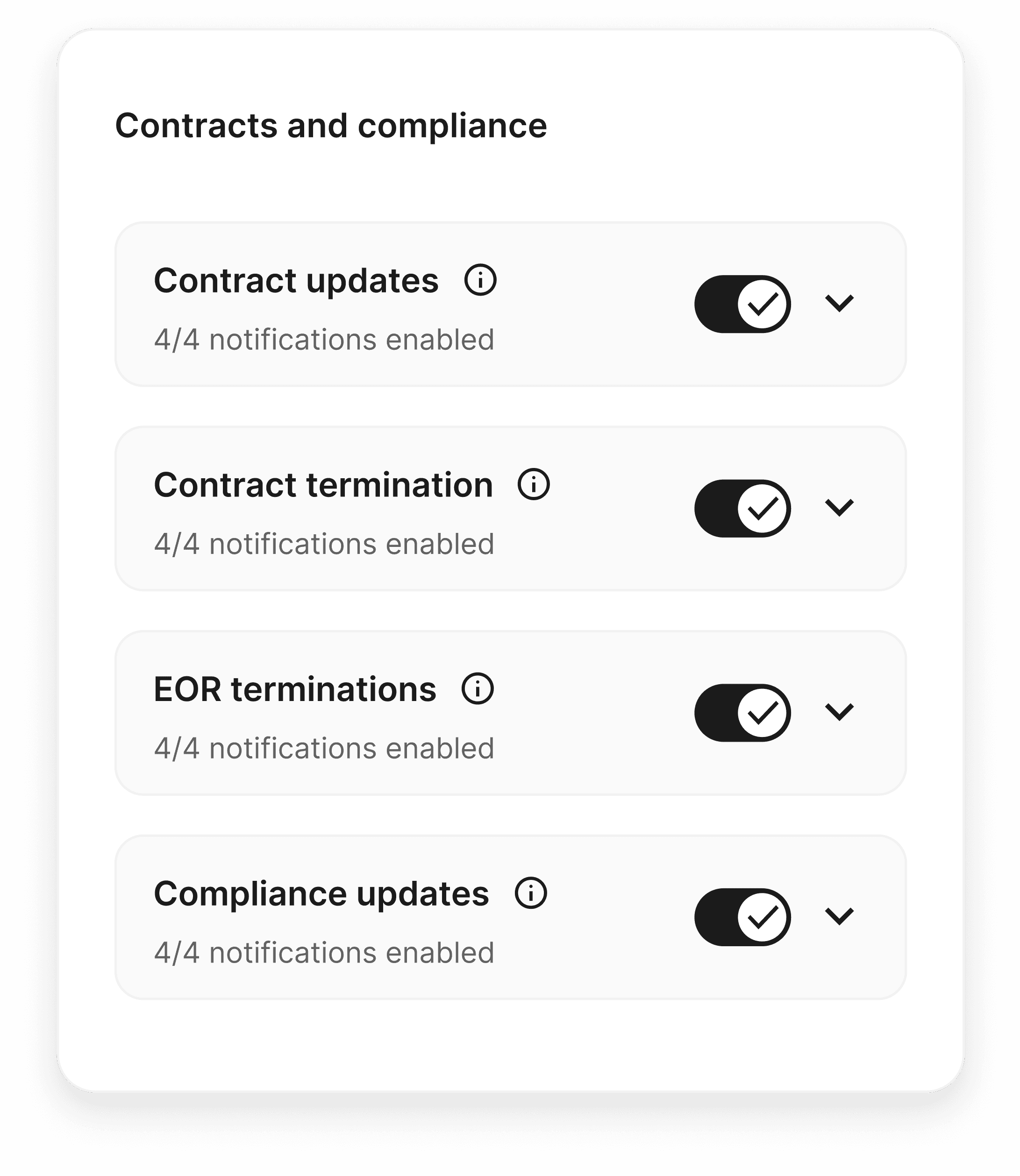
We designed a Notification Settings UI where users could control delivery by category (contracts, payroll, compliance), subcategories and also by channel (in-app, mobile push, email, Slack).
Key design decisions focused on reducing complexity while preserving flexibility. Notifications were grouped into clear, logical categories, with simple on and off toggles across channels for fast configuration. Settings were directly connected to a Daily Digest option, allowing users to consolidate emails and reduce noise without losing important updates.
All components were built in line with Deel’s design system to ensure clarity, trust, and technical feasibility across platforms.

04. Results
The introduction of notification settings significantly improved how Deel communicates with users.
Email volume dropped by 48 percent after adoption of the Daily Digest, engagement with consolidated emails increased by 25 percent, and support tickets related to notification overload decreased by 23 percent within the first month.
Beyond the metrics, the project helped rebuild trust by giving users real ownership over their communication preferences, while establishing a scalable foundation for Deel’s global notification system.